
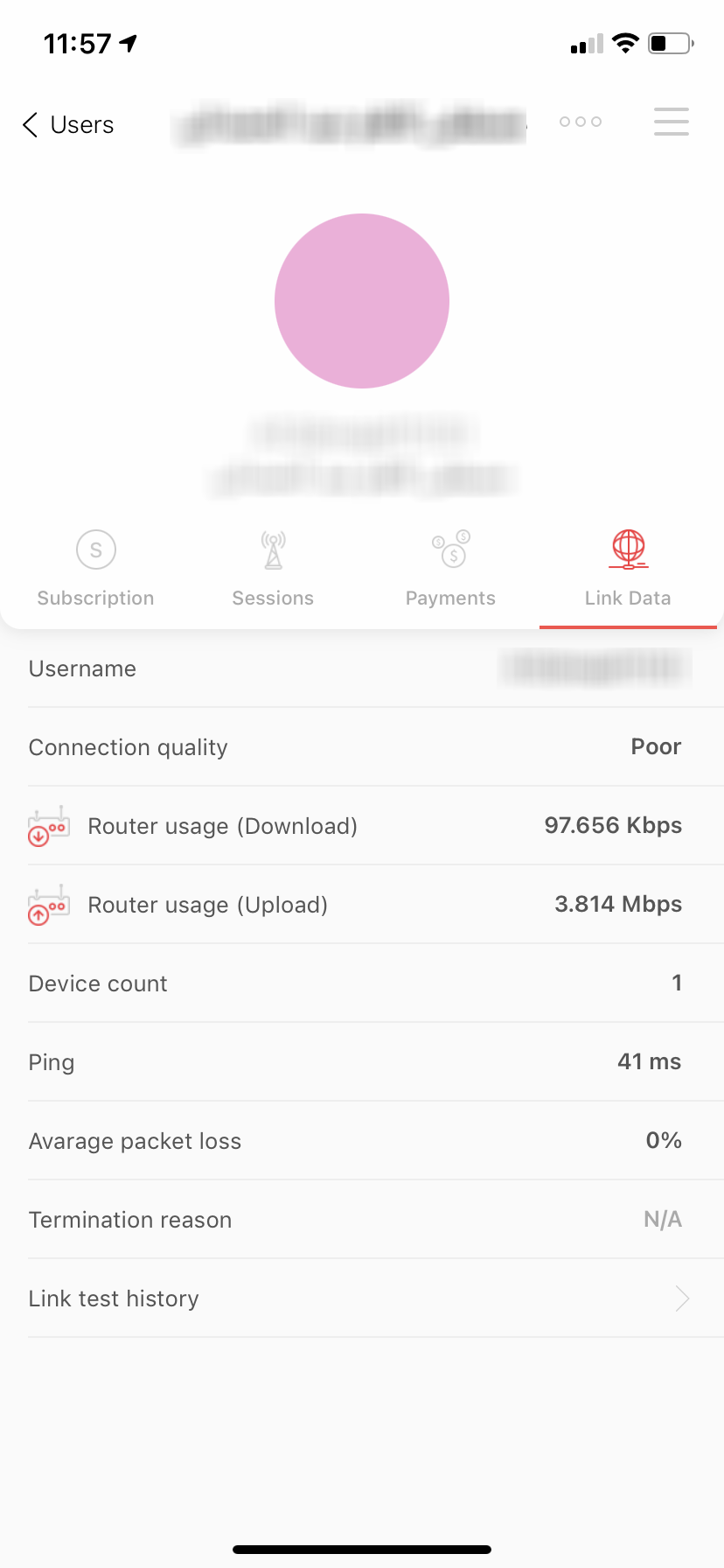
3rd version of Link Data, the recently updated feature enables you, as a reseller, to test the internet quality for a home user.
To test the internet quality; the home user gets to use My Earthlink application. Following these steps:
- Go to support by clicking the ‘support’ button on the lower left side of the page.
- Click connection status, then press the test square which appears immediately afterward.
Home-user has to apply the following steps while he’s testing:
- Stay near the router.
- Keep the application working by remaining on the test page.
- A user gets to do the internet quality test five times a day only.
Noting that the test results will appear through his device browser. As well as showing up the connection results on Link Data within the reseller's application one hour later.
The reseller may review the report within the application following these steps:
- Register in the reseller's application using his tower’s information.
- Find a specific user using the search bar.
- See-through users' information.
- Go to Link Data, connection results.
Comments
0 comments
Please sign in to leave a comment.